Configuration
Wake uses a configuration system to manage settings that persist across sessions. You can view and modify this configuration using the wake command.
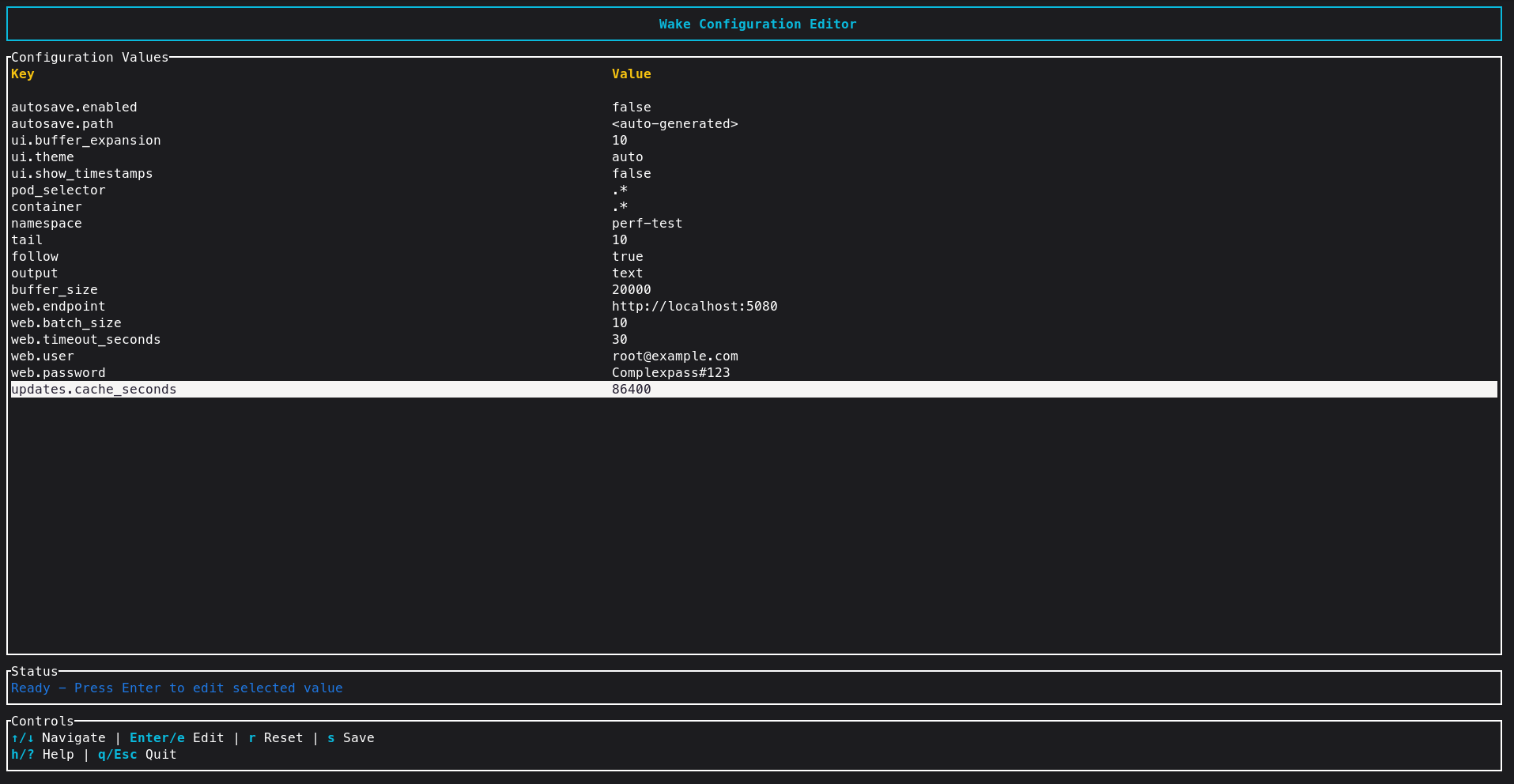
Viewing Configuration
To see the current configuration, run:
wake getconfig
This will display all the currently set configuration values.
Setting Configuration
You can set a configuration value using the setconfig command.
Example: Setting Default Script Output Directory
You can set a default output directory for script results with:
wake setconfig script_outdir /path/to/your/dir
This directory will be used for all future script executions unless overridden by the --script-outdir flag on the command line.
Command History Configuration
The command history feature is enabled by default and stores up to 150 commands. This is managed automatically and the settings are stored in your Wake configuration file.